
What is Docsentry
Docsentry is an enterprise document management system. It gives an organisation one access-controlled place to store documents, keep every revision, classify and find them, route them for approval, and prove afterwards who did what.
It is aimed at teams that have outgrown a shared drive: where different people need different levels of access to the same folder, where a document has to be approved before it counts, where someone will eventually ask what changed and when, and where “we think it is in there somewhere” is not an acceptable answer.
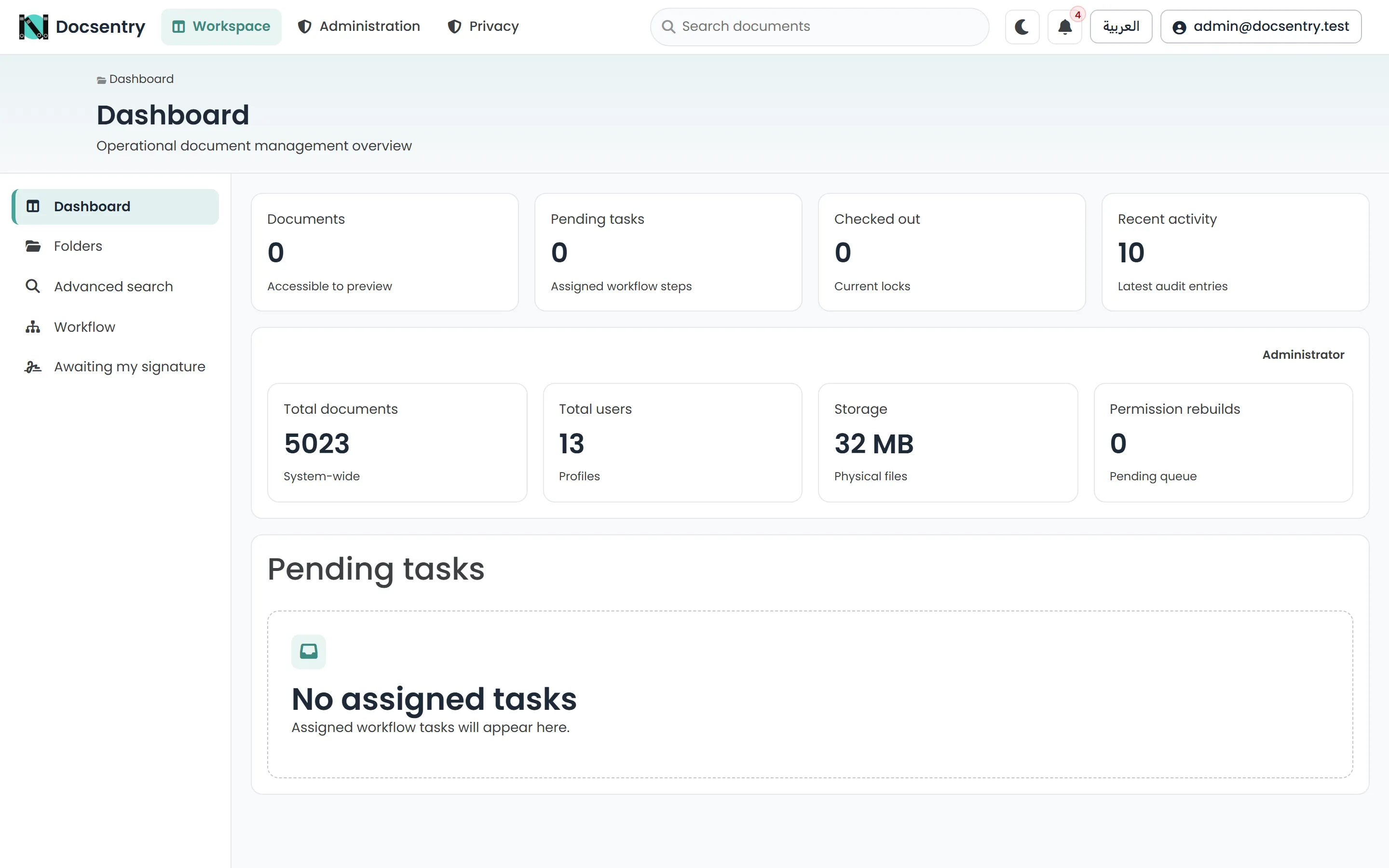
The dashboard is the default landing page: your metrics, pending tasks, and documents you have checked out.
What it does
Section titled “What it does”| Area | Summary |
|---|---|
| Storage | Hierarchical folders, versioned documents, check-out locks, a recycle bin, and encrypted, deduplicated storage that keeps one copy of identical content. |
| Classification | Content types with typed fields, tags, categories, and server-allocated document numbers. |
| Retrieval | Quick and faceted search, saved searches, generated previews, and optical character recognition on upload. |
| Access | Access-control entries for users, roles, departments, and organisation units, with inheritance, templates, and expiring share links. |
| Process | Workflow definitions with steps and transitions, a task inbox, delegation and escalation, and handwritten signatures with multi-signer requirements. |
| Assurance | A tamper-evident audit log, retention and privacy erasure, antivirus scanning, mandatory two-factor for administrators, and reporting with CSV export. |
The interface is fully bilingual in English and Arabic, including right-to-left layout, and offers both a light and a dark theme.
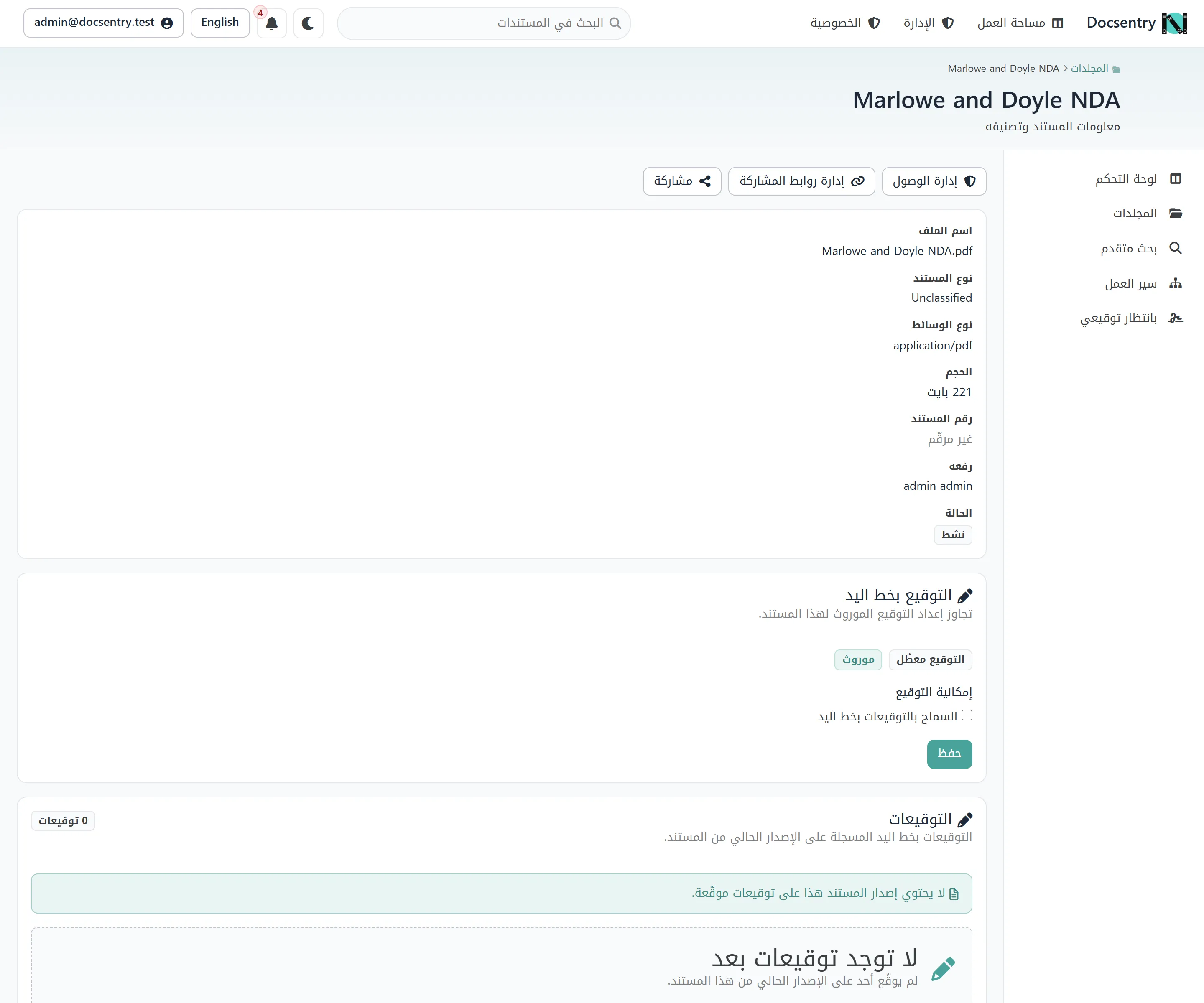
The same document page in Arabic. Both languages are the same pages, mirrored by direction - see Localization.
How the application is organised
Section titled “How the application is organised”The shell divides the application into sections, and the sidebar shows the pages within the section you are in.
Workspace is where daily work happens:
- Dashboard — your metrics, pending tasks, and documents you have checked out.
- Folders — the explorer: the folder tree, document cards or rows, and the upload entry point.
- Advanced search — faceted search across the repository.
- Workflow — your task inbox.
- Awaiting my signature — signature requests waiting on you.
Administration is restricted to administrators and the specialist roles. It covers users, roles, departments and groups, content types, categories and tags, numbering schemes, workflow definitions, the upload allowlist, antivirus, email, governance, reports, and audit integrity. Each screen appears only to roles holding the capability it needs.
Privacy holds the privacy information page.
Alongside these, the top bar carries global search, the theme toggle, the notification bell, the language switch, and your profile menu.
What it is built on
Section titled “What it is built on”Docsentry is an ASP.NET Core 10 MVC application backed by SQL Server. It exposes a versioned JSON
API under /api/v1/ alongside the web interface, so it can be driven programmatically as well as
through a browser. Background work — preview generation, text extraction, notification delivery,
retention, audit sealing, integrity checks — runs on a scheduled job runner rather than during the request that
triggered it.
If you are evaluating the codebase rather than the product, start with Architecture.
Where to go next
Section titled “Where to go next”- Quickstart — get a working instance in front of you.
- Installation — prerequisites and optional components.
- Folders and documents — the core model.
- Permission model — how access is actually decided.