
Departments and org units
Docsentry models two independent groupings, both managed from the administration section and both usable as access-control subjects.
Departments and organisation units
Section titled “Departments and organisation units”Departments are functional groupings: Finance, Legal, Engineering.
Organisation units are structural groupings: a region, a subsidiary, a site. They appear in the administration navigation as Groups; “organisation unit” is the term the permission model and the API use for the same thing.
They are independent. A user can be in the Finance department and the EMEA organisation unit at the same time, and a grant can name either.
Having both matters when the two axes do not line up - which they usually do not. “Finance people” and “people in the Cairo office” are different sets, and a permission model with only one grouping forces you to enumerate individuals for the other.
Managing them
Section titled “Managing them”Both screens support the same operations: create, edit, soft delete, and restore, plus membership management.
Deletion is a soft delete. The group leaves the pickers but is not destroyed, and it can be restored. This matters because access-control entries reference it - hard-deleting a group that grants access to fifty folders would silently revoke that access with no record of what was lost.
Membership is edited from each group’s members screen. A user can belong to several.
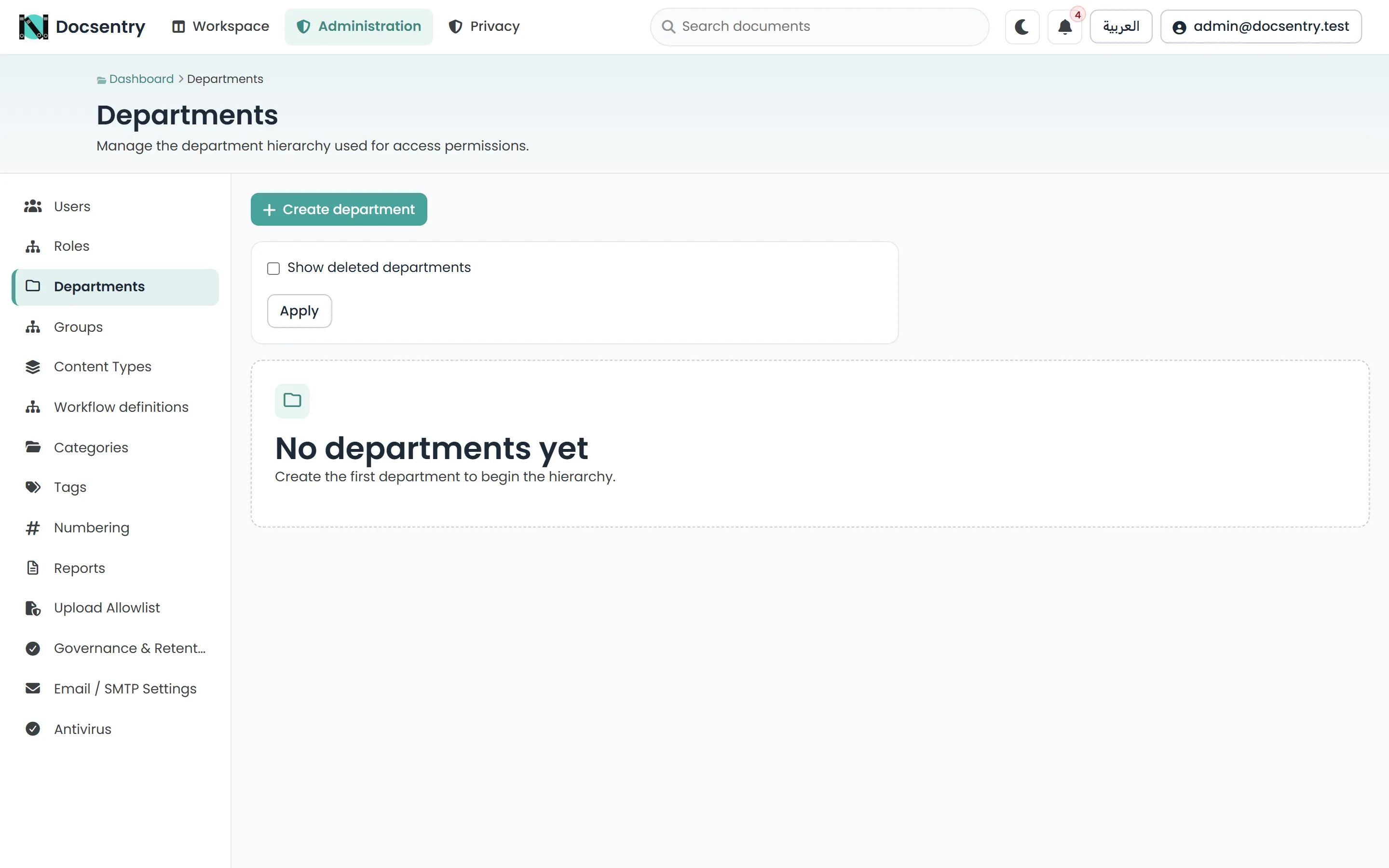
Departments.
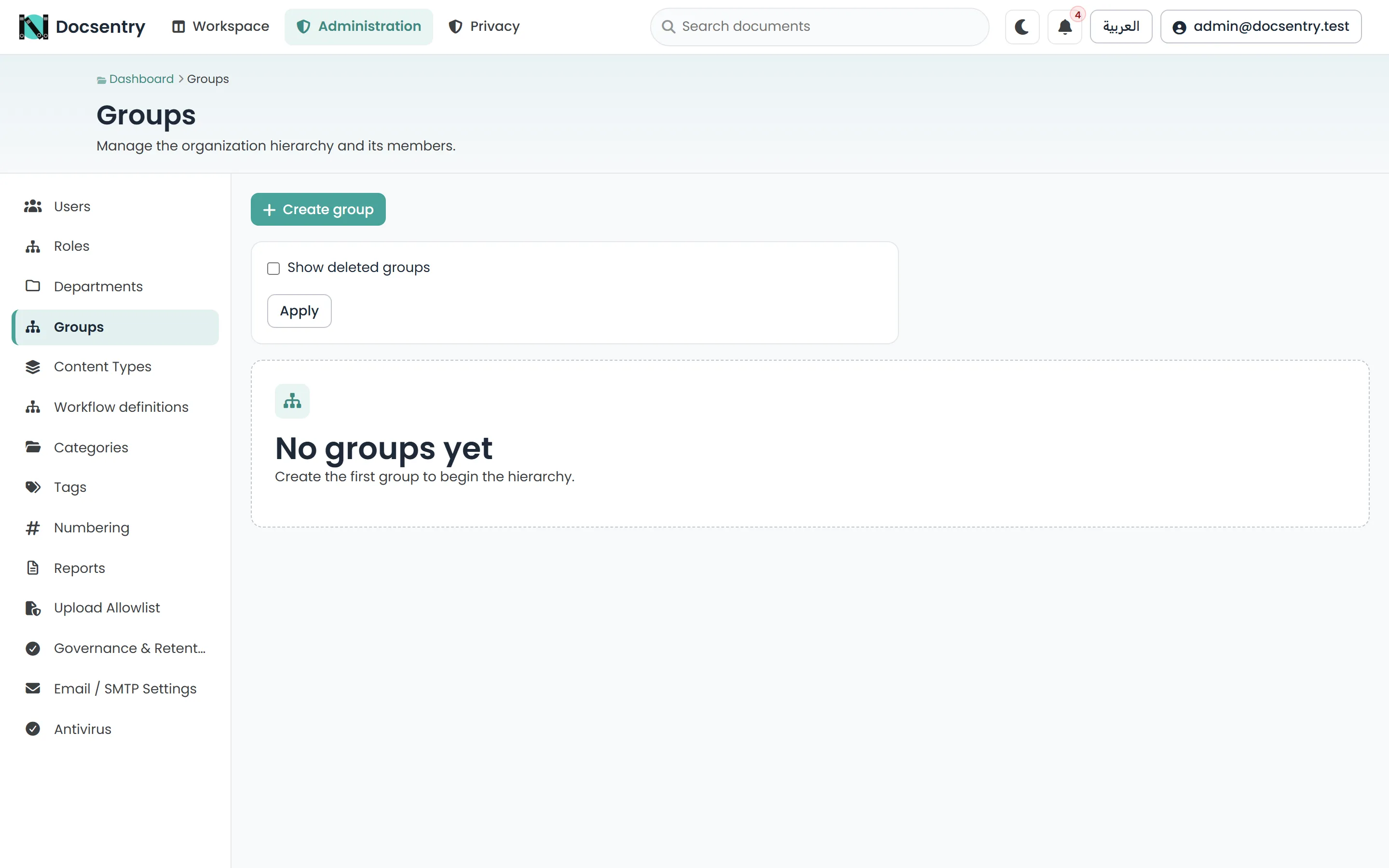
Organisation units, which the navigation labels Groups. The same operations, a different axis.
Using them as ACL subjects
Section titled “Using them as ACL subjects”This is the point of them. An access-control entry can name a user, a role, a department, or an organisation unit - see Permission model.
Granting the Finance department Reader on /Finance means:
- everyone currently in Finance can read it
- someone joining Finance gains access when their membership is set, not when someone remembers to update the folder
- someone leaving Finance loses access the same way
Compare the alternative: eleven entries naming individuals, which are correct on the day they are written and quietly wrong from the first personnel change onwards.
How membership changes propagate
Section titled “How membership changes propagate”Effective permissions are materialised rather than resolved per request, so a membership change has to flow through to the materialised rows. That rebuild is queued and drained within the same transaction as the change, so the effect is immediate rather than eventually consistent.
A background job drains the same queue as a safety net for rows that outlive their request. See Background jobs.
Departments in search
Section titled “Departments in search”A document’s owner’s department and organisation unit are available as search facets. That makes “documents owned by Legal” a query rather than a folder convention, and it is a good reason to keep membership accurate even where it is not being used for access.
See Search.
Profiles
Section titled “Profiles”Membership is part of a user’s profile. Where accounts were imported or predate the profile feature, a backfill action provisions the missing profiles - run it once rather than editing accounts individually. See Users and roles.
Related
Section titled “Related”- Permission model - how a group grant is evaluated.
- Users and roles - accounts and system roles.
- Authoring definitions - assigning workflow steps to a group.