
Signatures
Docsentry captures a handwritten signature as PNG ink and places it on a selected page of a particular document version. The resulting PDF rendition and certificate are derived artifacts; the original stored document version remains the signing reference.
Enable signing
Section titled “Enable signing”Signing is off when no capability setting exists. A user with Manage permissions can enable or disable it on a folder or document:
- A document-level setting takes precedence.
- Otherwise, the document uses the nearest setting on its folder or an ancestor folder.
- If no document or folder setting applies, signing is disabled.
The folder signing-capability screen identifies whether the current value is explicit or inherited. On a document, Use inherited setting removes the document override and returns control to the nearest folder setting.
Disabling signing prevents new requests and new signing acts. Existing pending requests can still be declined or withdrawn so they are not stranded.
Two ways to ask for signatures
Section titled “Two ways to ask for signatures”- A signature request asks one person to sign one version. Use it for ad-hoc sign-off.
- A signing requirement defines who must sign a document before it counts as signed: several people or groups, in order or in any order, with an optional threshold. Docsentry sends the requests, tracks progress, and reacts to declines and new versions.
Request a signature
Section titled “Request a signature”Open the document details page and select Request signature. You need Manage workflow on the document, signing must be enabled, and the selected version must have a ready signing base. Choose another user as the signer, select the document version, and optionally set an expiry time.
The request appears under Pending signatures for that signer. A request cannot be completed until antivirus scanning has marked the file clean and a signing base is ready. PDFs can supply the signing base directly; supported non-PDF content depends on the configured conversion pipeline.
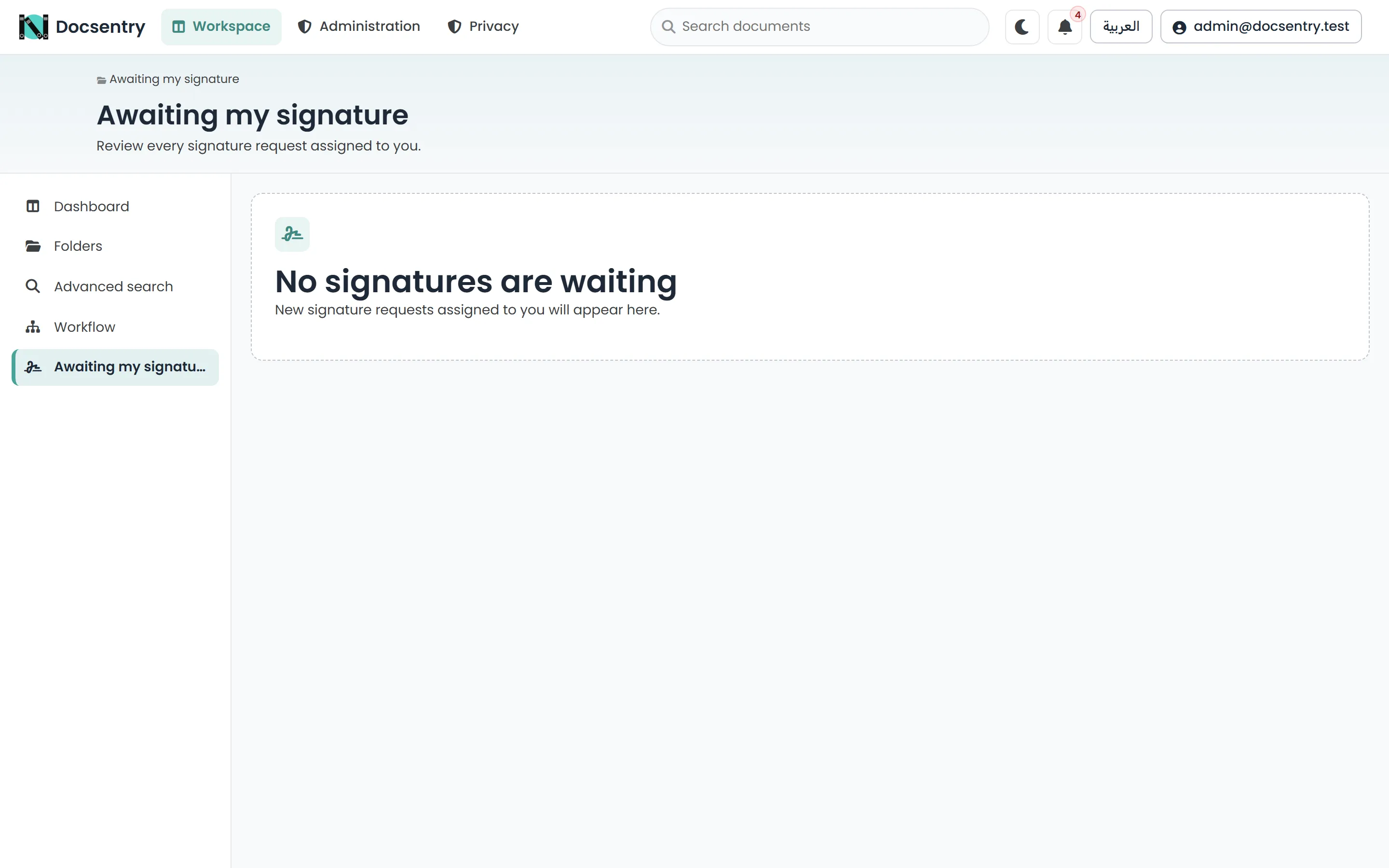
Signature requests waiting on you appear under Awaiting my signature.
Signing requirements
Section titled “Signing requirements”Open the document details page and select Define requirement in the signing requirement panel. You need Manage workflow on the document, and signing must be enabled.
| Setting | Behaviour |
|---|---|
| Required signers | People, roles, departments or organization units. Only signatories who can already open the document are offered. |
| Signing order | Parallel asks everyone at once. Sequential asks each signatory only once the one before them has signed. |
| Require every selected signer | When unchecked, Signatures required sets a threshold - for example, any 2 of 3. |
| Deadline (hours) | Optional. Applied to every signature the requirement asks for. |
A group counts as one signatory: whichever member signs first fills the slot for the whole group, and the other members’ requests are withdrawn. The number beside a group is how many of its members can open the document, not how many it has.
Save the requirement, then select Activate requirement to start asking for signatures on the current version.
Progress and states
Section titled “Progress and states”The panel shows each signatory’s slot - Awaiting turn, Awaiting signature, Signed, Declined, Expired or Closed unsigned - and a count such as 2 of 3 signed.
| Requirement state | Meaning |
|---|---|
| Outstanding | Waiting for signatures. |
| Satisfied | Enough required signatures are in. Requests to anyone who has not signed are withdrawn. |
| Blocked | In a sequential requirement, a signatory declined, so the chain cannot move on without intervention. |
| Unsatisfiable | Too many signatories declined or expired for the threshold to be reached. |
| Cancelled | The requirement was cancelled; outstanding requests are withdrawn. |
Signatories are notified when they are asked to sign, and the requester is notified when the requirement is satisfied, blocked or cannot be satisfied.
Editing and new versions
Section titled “Editing and new versions”Editing an active requirement restarts it on the same version. Signatories the edit removes have their outstanding requests withdrawn; signatories it keeps keep their existing requests.
Checking in a new version restarts the requirement on that version, and signatories are asked to sign again - a signature belongs to the version it was made on.
Required and additional signatures
Section titled “Required and additional signatures”The panel labels each signature as Required - it counts towards the requirement - or Additional, a signature the requirement did not ask for, such as one made after the requirement was already satisfied. Only required signatures count.
The Signing requirements report lists which documents are satisfied, outstanding or blocked, without opening each one. See Reports.
Use the signing studio
Section titled “Use the signing studio”Open a pending request to enter the signing studio. The page shows the requested document version and page navigation alongside a drawing canvas.
- Move to the page that should carry the signature.
- Draw your signature in the canvas. Use Clear if you need to start again.
- Select Place, then position the signature on the document page.
- Resize the placement to the required width and height.
- Confirm the signature.
The submitted record includes the page number and normalized placement rectangle. Only the named signer can complete the request. If the request is no longer pending, the version changed, signing was disabled, or the signing base is unavailable, Docsentry refuses the submission rather than applying it to a different state.
Decline or withdraw a request
Section titled “Decline or withdraw a request”The signer can decline a pending request and may include a reason of up to 1,000 characters. The requester is notified of the outcome.
A user with Manage workflow can withdraw a pending or already signed request from the document’s signature panel. The interface labels this action Withdraw; the stored status is revoked. Declined, revoked, and expired requests remain visible as history but cannot be signed.
Rendition and certificate
Section titled “Rendition and certificate”For the current version, the signature panel lists requests and their state. When the version has applied signatures, you can download:
- Signed rendition: a PDF composed from the signing base with the captured ink placed on the recorded pages. Renditions are stored encrypted, like document content.
- Signature certificate: a PDF record containing the signer, signing time, page, placement, the SHA-256 content fingerprint captured at signing, and the verification result.
If an earlier version was signed but the current version is not, the panel says so. Signatures belong to a version; uploading or restoring content does not silently move them to another version.
What verification proves
Section titled “What verification proves”For each signed signature, Docsentry compares the SHA-256 fingerprint stored on the signature with the fingerprint currently recorded for the physical file referenced by that document version. A match means the version is still bound to the fingerprint captured at signing. A mismatch means the version now points to content with a different recorded fingerprint.
Treat the feature as handwritten-signature capture plus database-level tamper evidence. If your process requires certificate-backed digital signatures, identity proofing, or legal non-repudiation, provide those controls outside this feature.