
Content types and taxonomy
These screens define the vocabulary the repository is classified against. They are gated by the metadata configuration policy, so they are available to administrators rather than to every user.
For the conceptual difference between these mechanisms, see Metadata and content types.
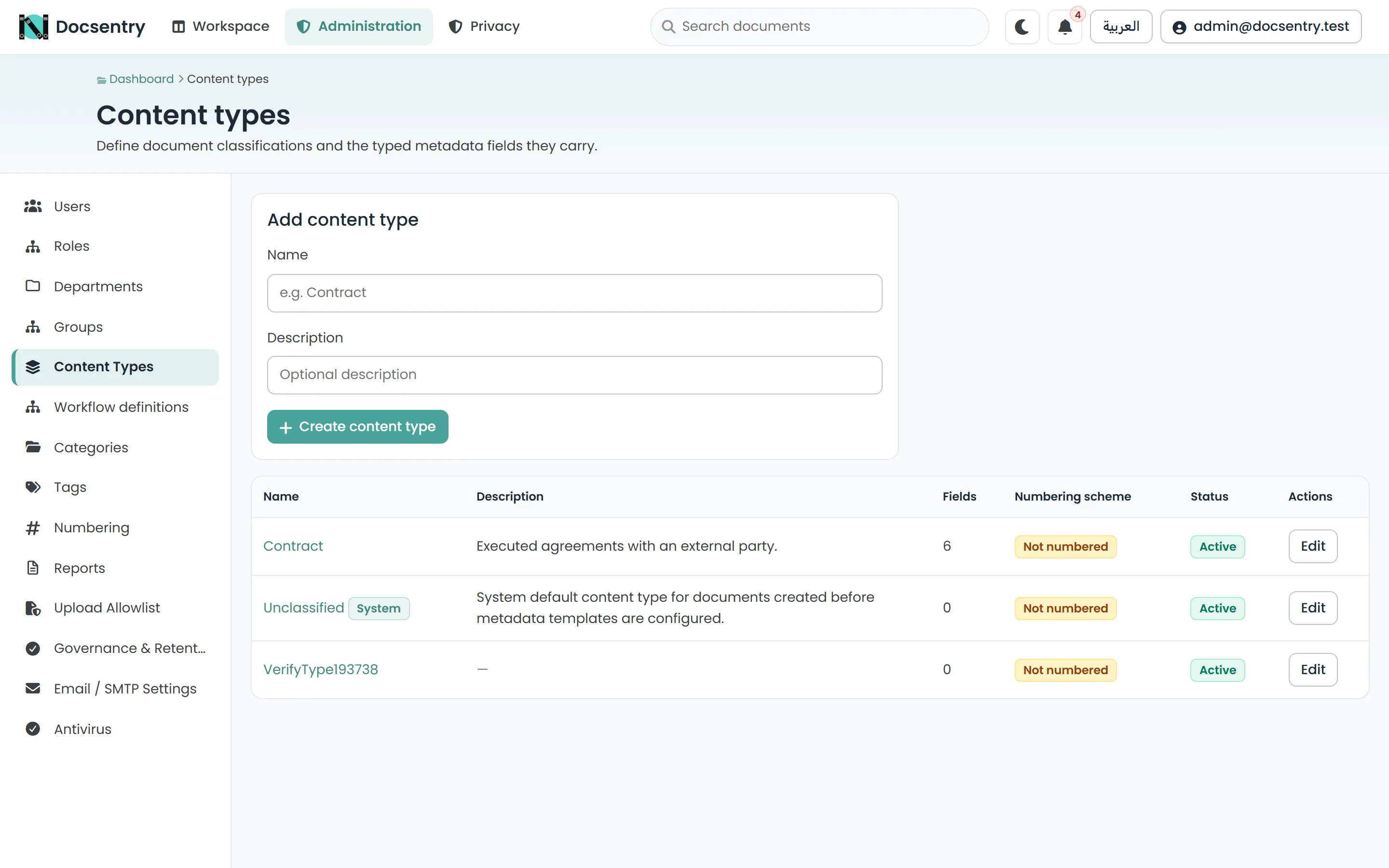
Content types define the typed fields a kind of document carries.
Content types
Section titled “Content types”Content Types lists the defined kinds of document. Create one with a name and description, then add its fields.
Adding fields
Section titled “Adding fields”Each field has a name, a type, and whether it is required.
| Type | Holds |
|---|---|
| Text | Free text. |
| Number | A decimal value. |
| Integer | A whole number. |
| Date | A date. |
| Boolean | True or false. |
| Lookup | One value from an option list. |
| MultiSelect | Several values from an option list. |
Lookup and MultiSelect need an option list, which is edited on the field. Replacing the
options replaces the whole set at once rather than merging - review what you are submitting.
Values are validated against the field type on save, so a Date field cannot end up holding free text.
Deactivating
Section titled “Deactivating”Content types and individual fields are deactivated, not deleted. Existing documents keep their classification and their field values; the type or field simply stops being offered for new work.
This is not squeamishness. Deleting a field would either destroy the values recorded against it or leave orphaned data, and either outcome makes historical documents less trustworthy than they were.
Choosing a shape
Section titled “Choosing a shape”Two failure modes are common:
- Too many types. A separate content type for every document variant produces a picker nobody reads and classification that is effectively random. Prefer fewer types with more fields.
- Too many required fields. Every required field is friction at upload, and friction at upload is why people stop using the system properly. Require only what you will actually query on.
The Unclassified content type is seeded with the schema and is what documents carry when nobody has classified them. A folder can specify a default content type so that uploads into it are classified automatically - this is the most effective way to get classification without relying on people.
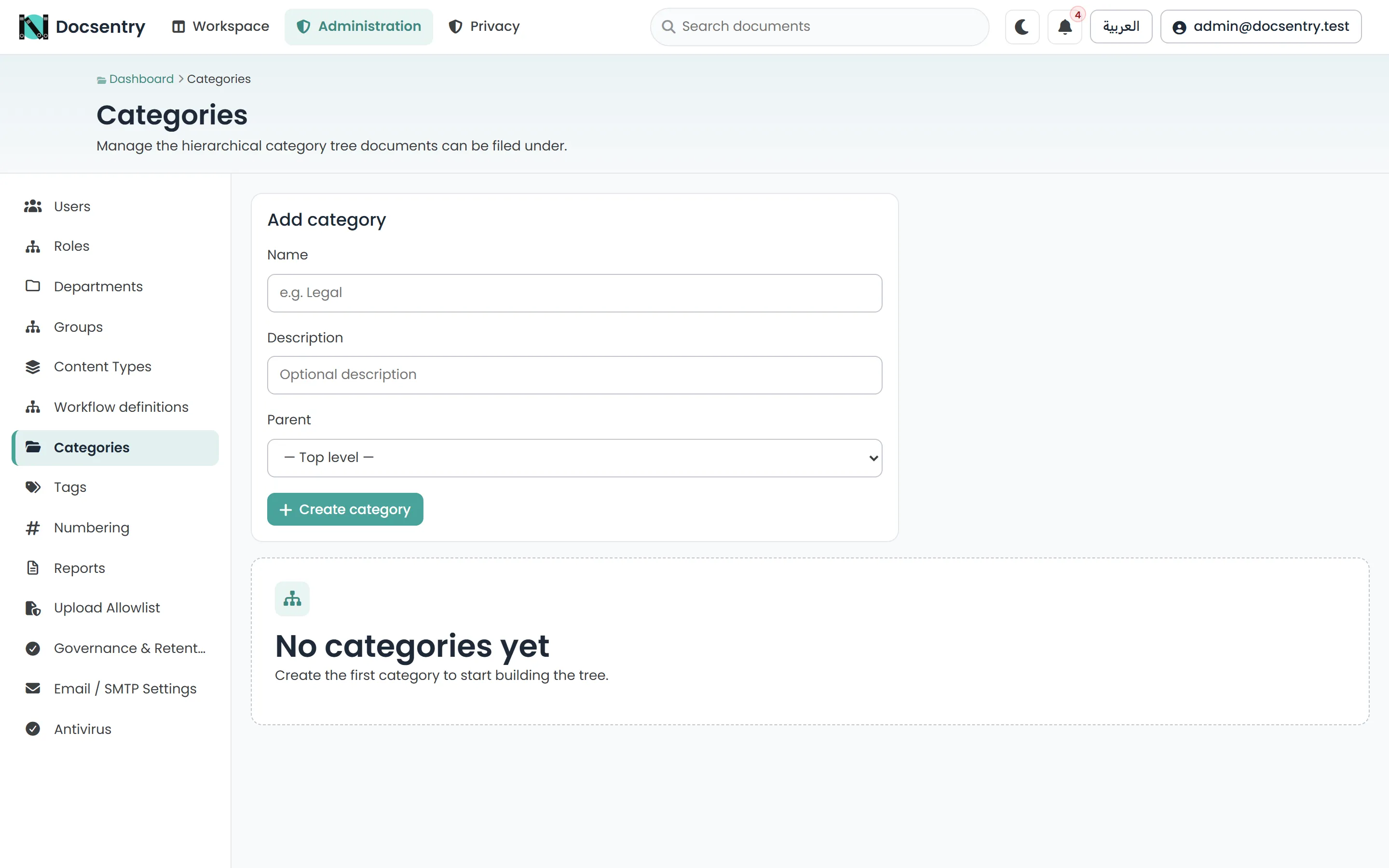
Categories are the controlled vocabulary: administrators define the terms, users apply them.
Categories
Section titled “Categories”Categories is the controlled vocabulary. Administrators define the terms; users apply them.
Use categories where the classification must mean the same thing to everyone and appear consistently in reports. Like content types, categories are deactivated rather than deleted.
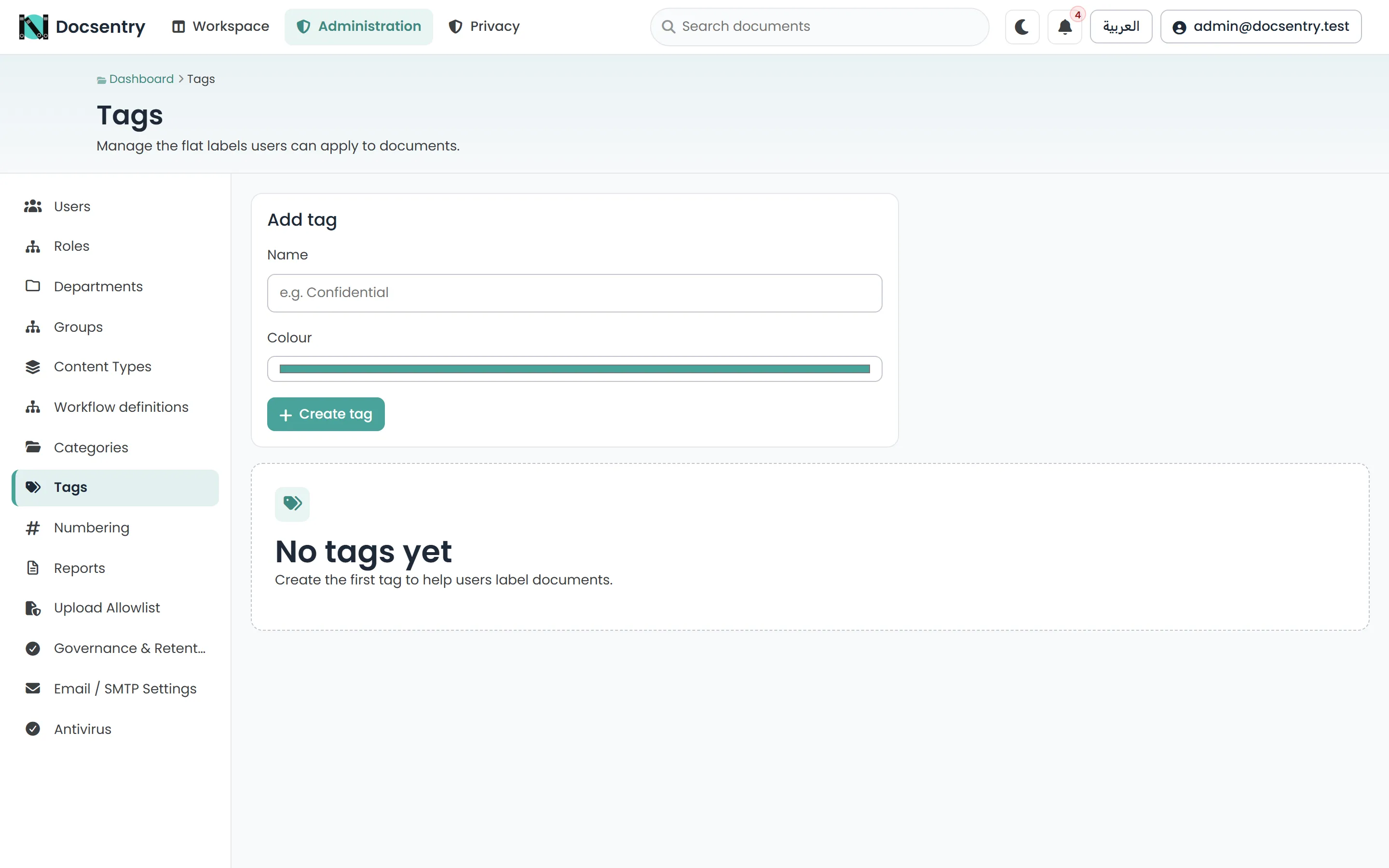
Tags are user-created. Retiring one stops it being offered without stripping it from existing documents.
Tags is the free-form vocabulary. Users create and apply tags themselves; administrators manage the resulting list.
Retiring a tag stops it being offered for new use without stripping it from documents that already carry it.
Which to use
Section titled “Which to use”| The value should be | Use |
|---|---|
| Structured, typed, and queryable per kind of document | A content type field |
| Agreed organisation-wide and reportable | A category |
| Whatever people find useful right now | A tag |
Related
Section titled “Related”- Metadata and content types - the concepts behind these screens.
- Numbering schemes - formal document identifiers.
- Search - where all of this pays off.